A different look per scene
Instead of a single fixed filter, you choose the setting, the lighting and the camera angle every time.
Many kiss effects work as live camera filters, which means both people have to be in front of the same lens. This one starts from photos you already have. Pick a look, from an overhead elevator shot to a gym locker room, and the effect is rendered around that scene.
30 free credits when you sign up. Adults 18+ only.
Each scene is a different effect: a rain-soaked street at night, a top-down view inside an elevator, metal lockers in a gym locker room. Start with the look you want to share.
Upload two solo photos or one photo of you both. Nobody needs to be in the same place, or even awake at the same time.
Check the look with a 5-credit still, then run the same photos in video mode for a 5–7 second effect clip at 25 credits. Going straight to video is fine too.
Instead of a single fixed filter, you choose the setting, the lighting and the camera angle every time.
Because the effect works on stored photos, you can make it on your own schedule from pictures you already like.
Settings with a strong identity, like the overhead elevator view, read clearly even in a fast-scrolling feed.
Use the effect as a single image for 5 credits, or as a short clip for 25 when you want motion.
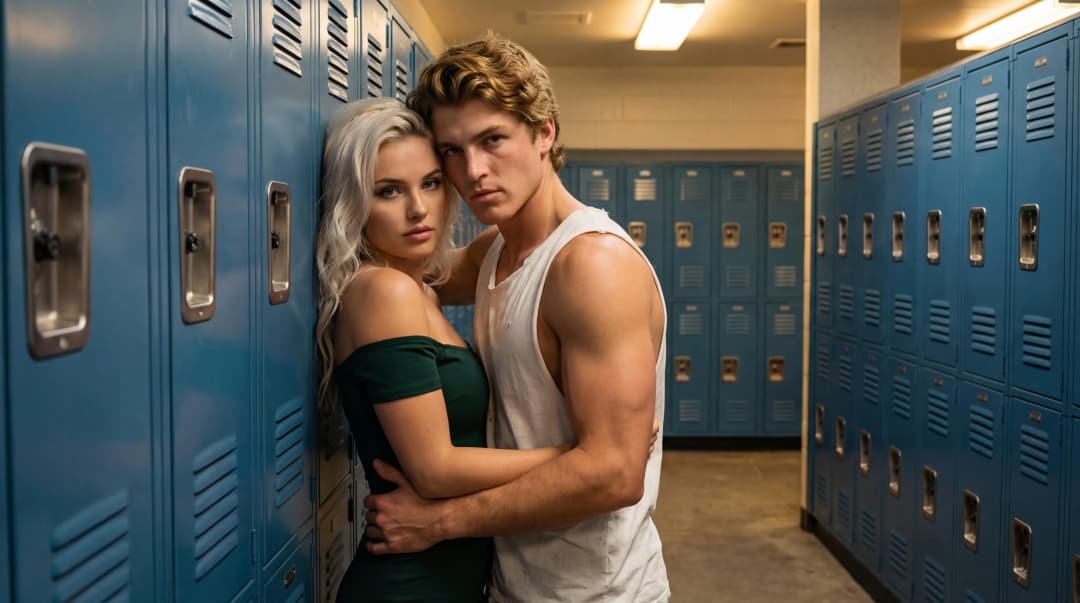
Pressed against blue metal lockers in a gym locker room, arms wrapped around each other, the pair turns away from the camera and into an intense kiss.
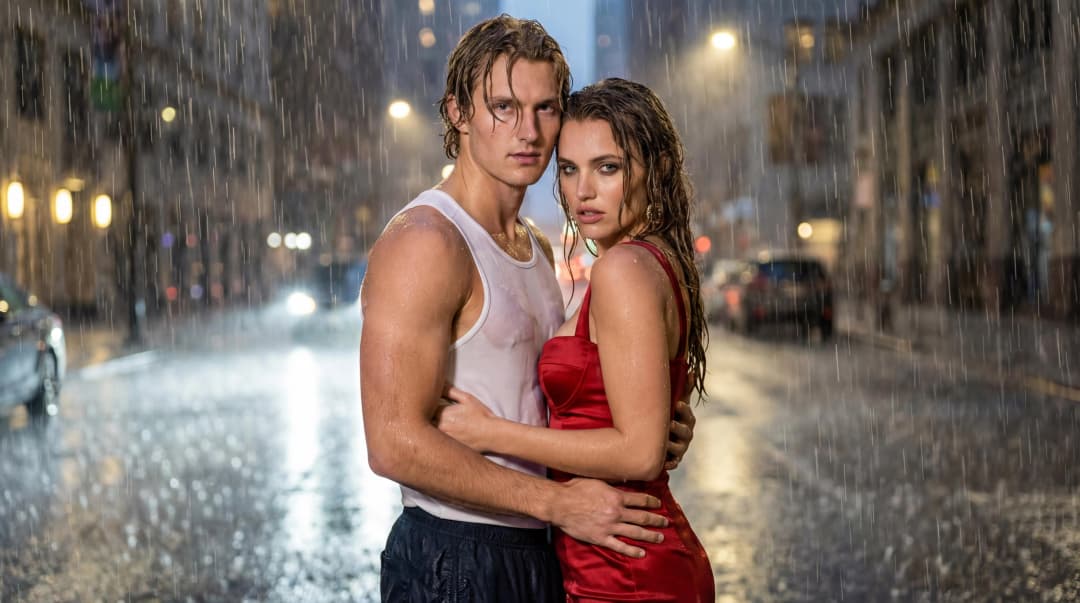
Soaked to the skin on a city street at night, hands at the waist and rain pouring down, while the camera circles around the couple for a close-up kiss.
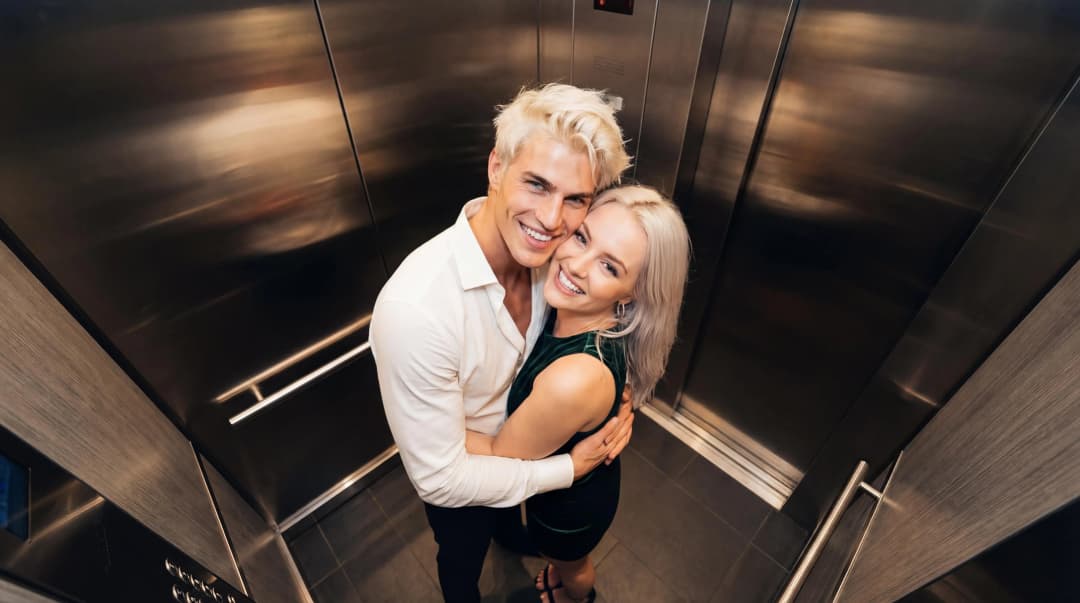
Seen from a high corner angle inside an elevator, the couple holds each other tight, glances up at the lens, then turns toward each other for a kiss.
No. It works on uploaded photos in your browser rather than through a live camera, so you can use pictures taken at different times and places.
Yes, if the photo shows both people clearly. Otherwise, upload one solo photo for each person.
A kiss photo costs 5 credits and a kiss effect video costs 25. New accounts get 30 free credits valid for 30 days, enough for one video plus one photo.
Every render is generated fresh, so faces, expressions and motion vary between runs. If one attempt misses, a second try or a different scene usually helps.
No. Only upload photos you have the right to use, of adults who have agreed. Non-consensual deepfakes, harassment and explicit content are all prohibited.
Open the studio, add Person A and Person B, and pick a scene. Your first tries are covered by the free credits.
Apply a kiss effect