Backgrounds don't need to match
A beach selfie and an office headshot can end up in the same scene, because the setting comes from the scene rather than from your originals.
The two pictures don't have to come from the same day, the same camera or even the same country. Put each person in their own slot, choose a scene, and the scene supplies the shared background and light so the pair looks like it belongs in one frame.
30 free credits when you sign up. Adults 18+ only.
Pick a clear, recent shot of each person on their own. Crop out friends, pets and anything covering the face before you upload.
Each slot holds one face. If the first result frames one person awkwardly, swapping the two photos between slots is an easy second attempt.
Generate a still for 5 credits and compare both faces with the originals. If the pairing works, keep the photo or run the same two photos in video mode for 25 credits.
A beach selfie and an office headshot can end up in the same scene, because the setting comes from the scene rather than from your originals.
Separate Person A and Person B uploads keep the two faces apart until the scene brings them together.
Long-distance partners rarely end up in the same photo. Two solo pictures are all this needs.
Both people must be adults who agree to being combined. Using someone's photo without permission breaks the content policy.
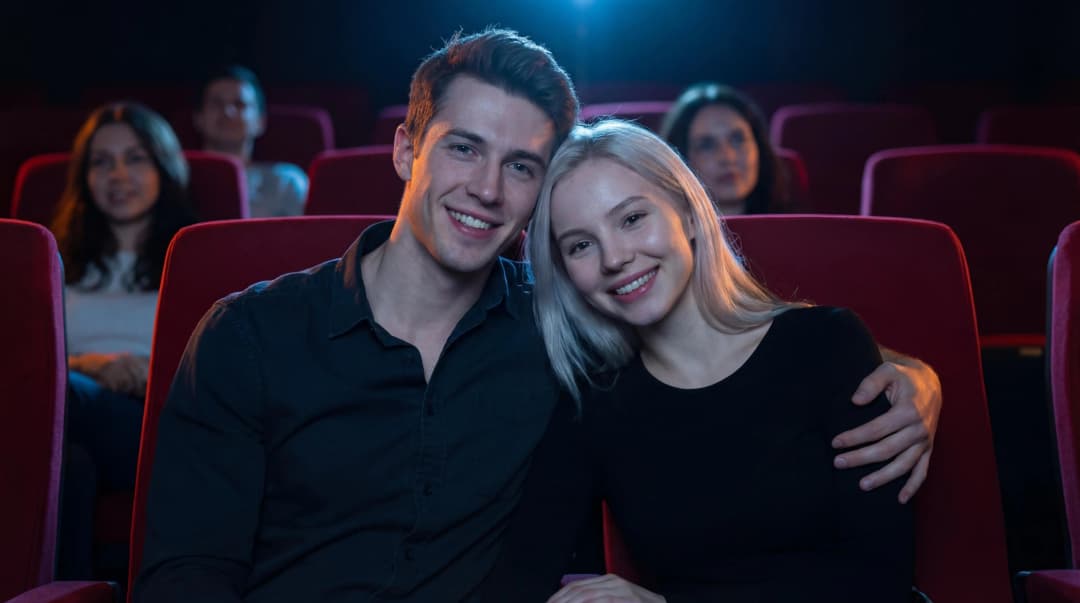
Side by side in the red seats of a dim movie theater, one arm around a shoulder, the couple leans in for a long kiss while the audience watches the film.
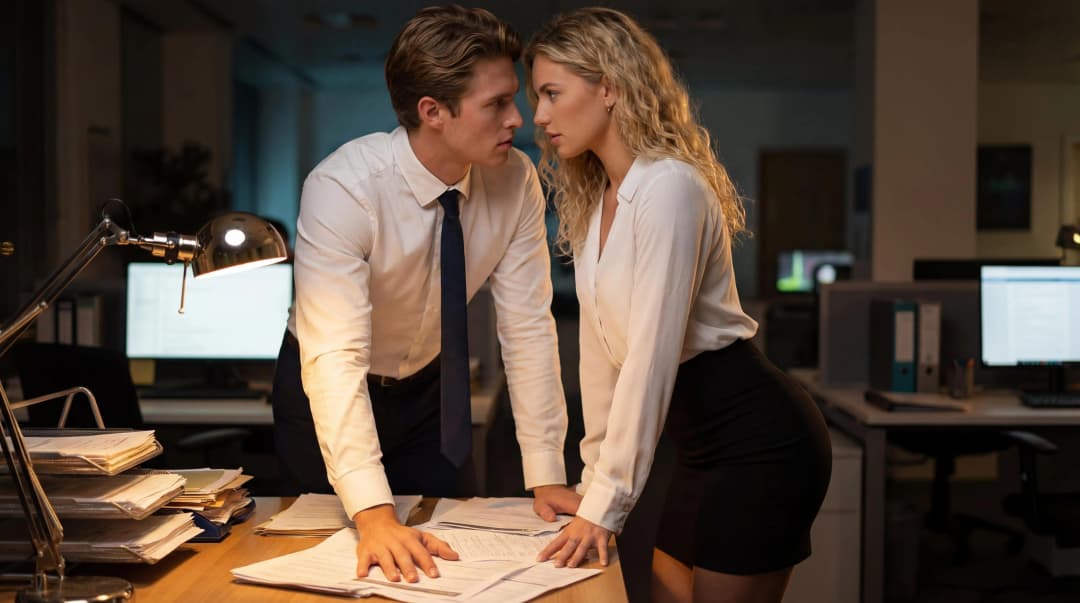
A dim office and a desk piled with paperwork: two people in crisp white shirts, one in a tie, stand pressed close together and share a lingering kiss.
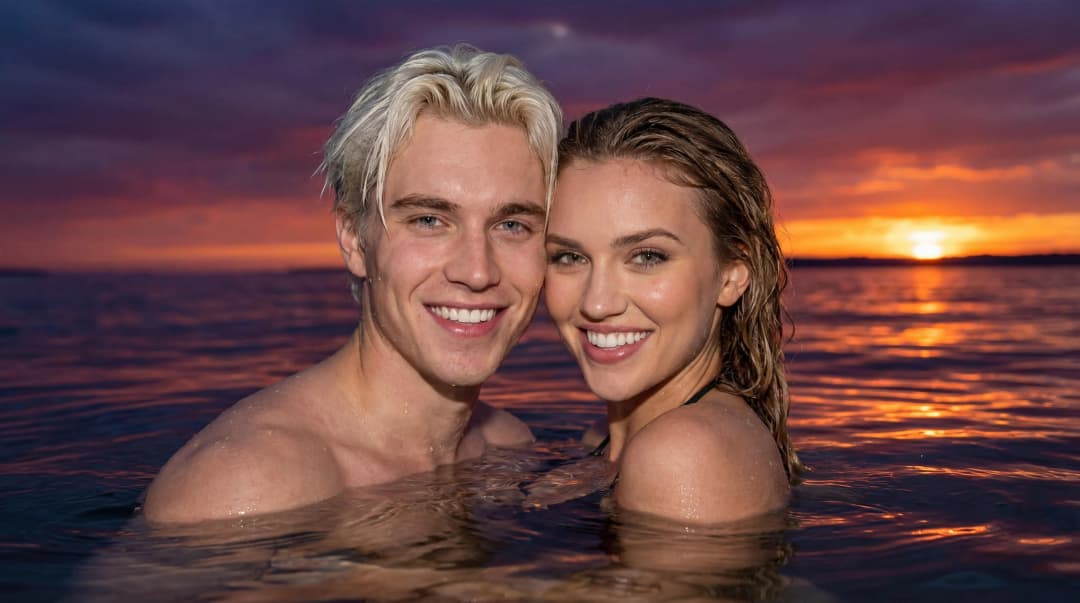
Shoulder-deep in the water as the sun goes down and the sky fades to purple and red, the two drift close together and share a long, slow kiss.
Yes, that is the main use case. Upload one solo photo for Person A and one for Person B, choose a kiss scene, and the result places both people in that scene. Expect some variation between runs.
No. The chosen scene supplies the setting and the light. Clear, evenly lit faces help far more than matching backgrounds.
Crop it first so each upload shows one person. Extra faces in a slot make it harder to tell who should appear in the scene.
No. You may only upload photos you have the right to use, of adults who have agreed to it. Non-consensual deepfakes of real people are prohibited and lead to account bans.
They sit in private storage that is reachable only through short-lived signed links, and they are deleted once the job finishes, fails, is cancelled or times out. Uploads that never get used are cleared within 24 hours.
Open the studio, add Person A and Person B, and pick a scene. Your first tries are covered by the free credits.
Upload both photos