Scene 04 / 13
Movie Theater Kiss Side by side in the red seats of a dim movie theater, one arm around a shoulder, the couple leans in for a long kiss while the audience watches the film.
Clip length: 6s (approx.)
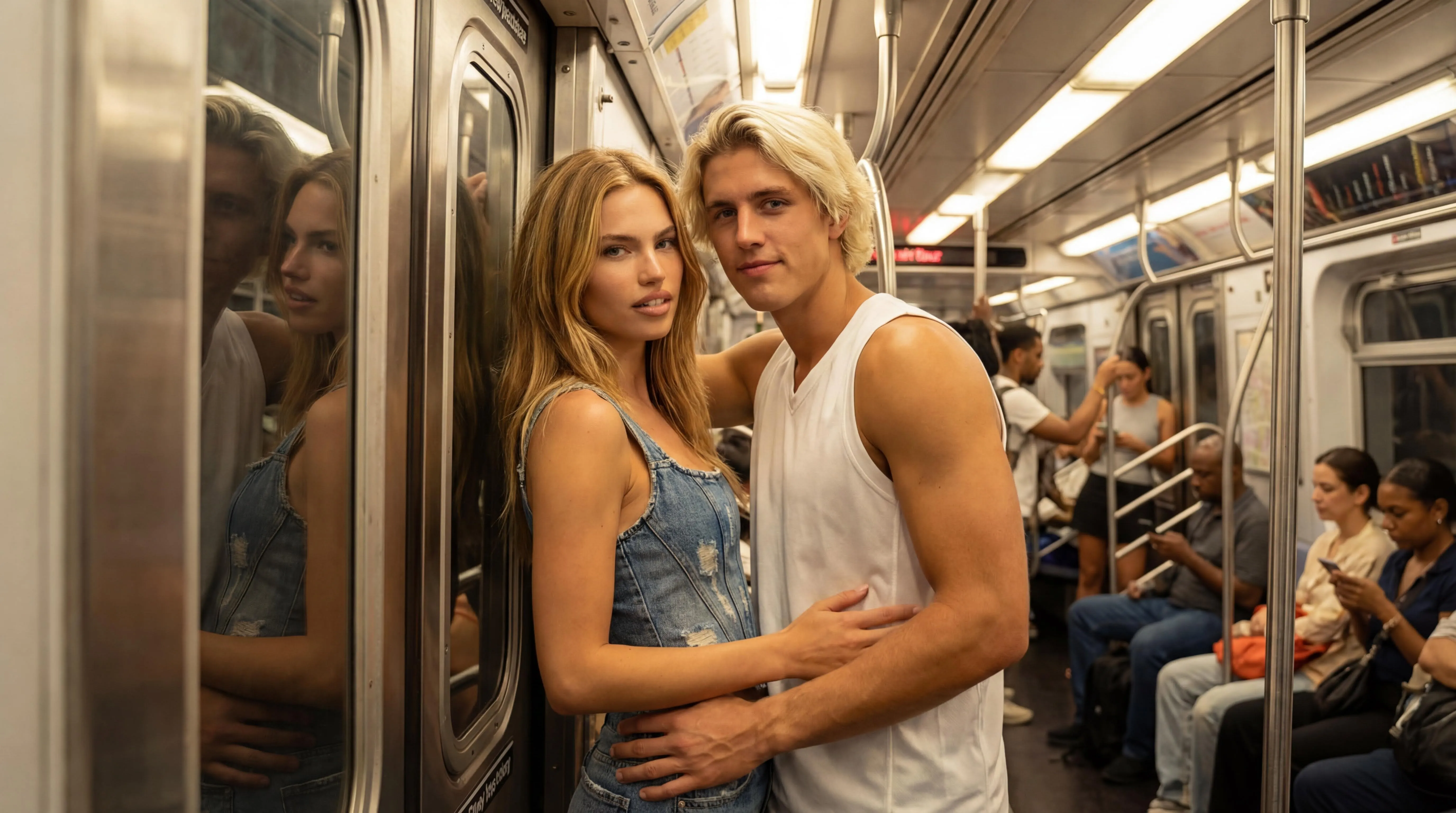
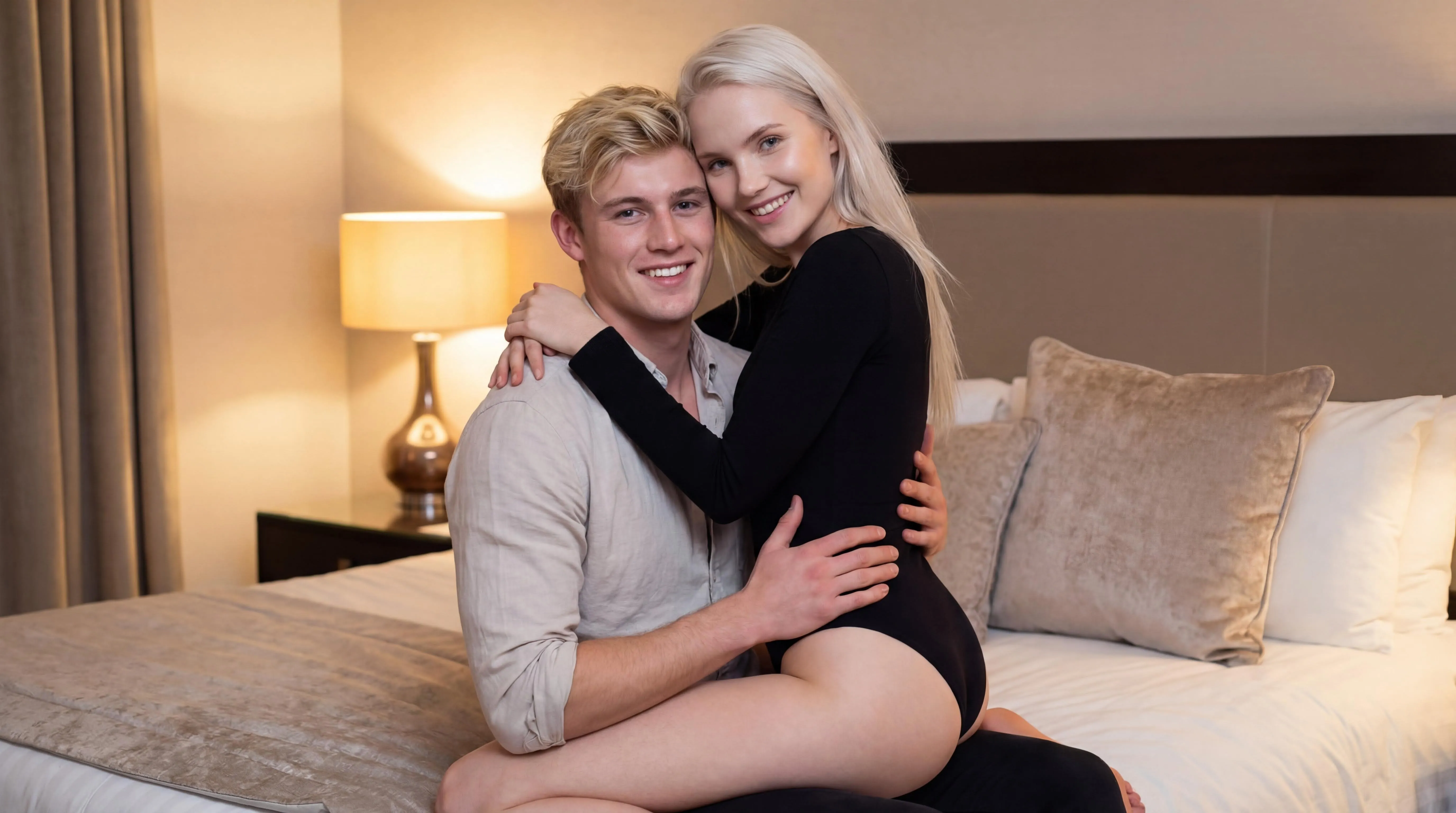
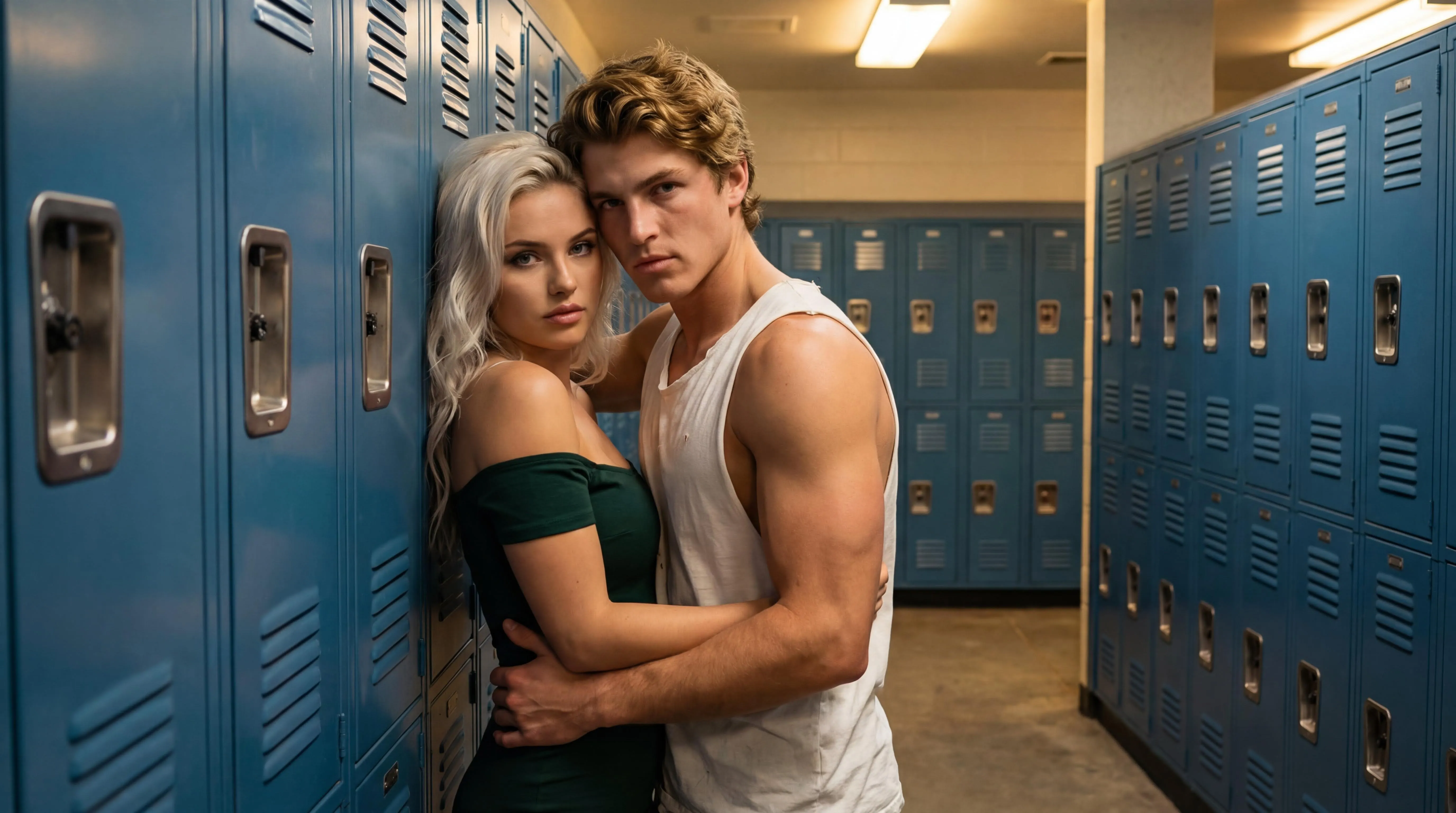
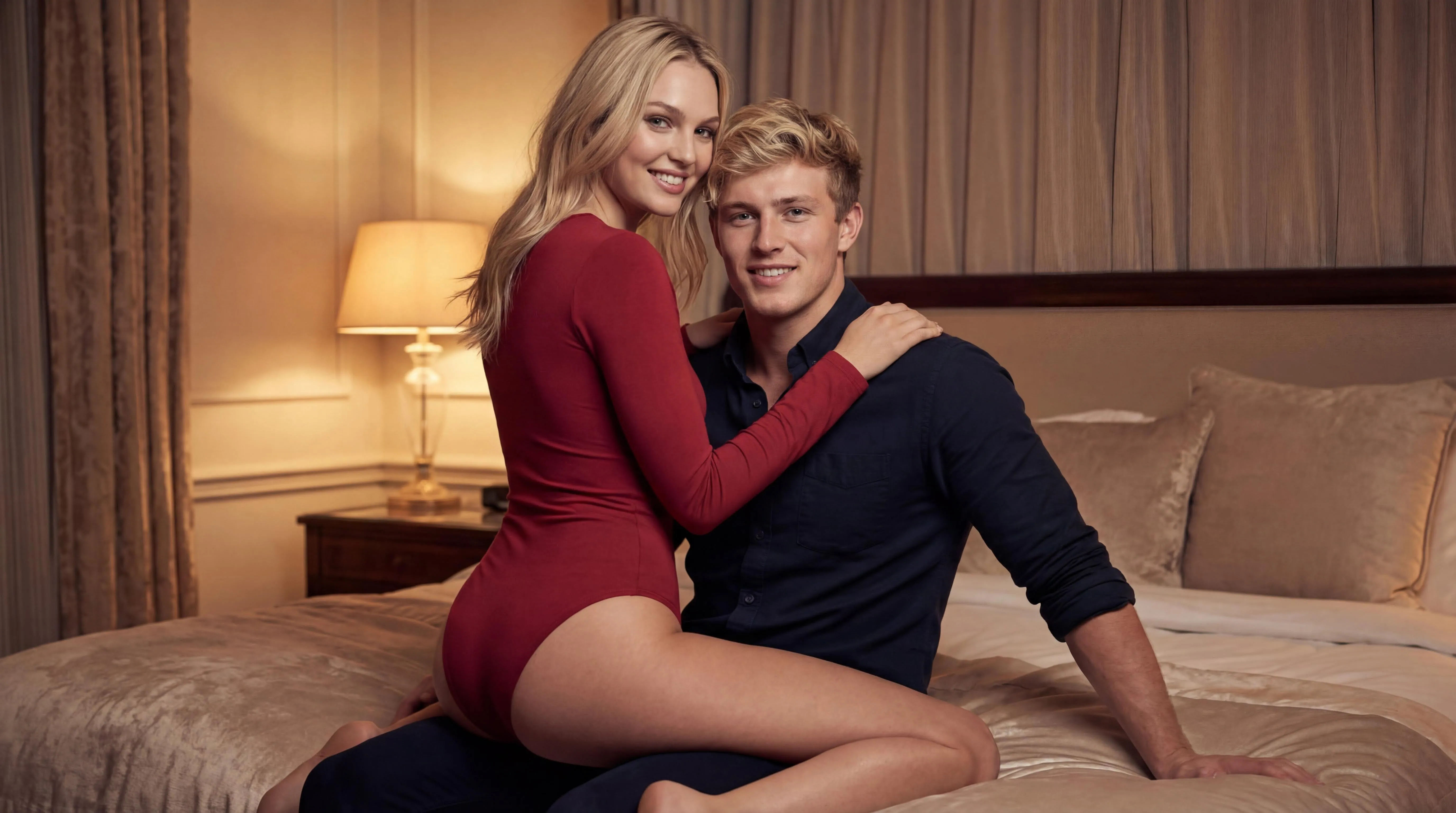
Gym Locker Room Kiss Rainy Street Kiss About This Scene Movie Theater Date Kiss Red seats, a dim auditorium, and an audience facing the screen behind them. One arm around a shoulder, the couple leans in for a long kiss in the dark.
Low light hides detail, so choose photos with clear, unshadowed faces. Words like projector glow, red velvet seats, and date night fit this scene well.
Related Searches
movie theater kiss ai cinema date kiss video kiss in theater seats date night kiss maker
Getting a Good Result 01 Pick your source photos Use one solo photo per person with the face clearly visible, or a single photo that already shows both of you.
02 Match the two photos Photos shot at a similar distance and angle blend more evenly once both people are placed in the same scene.
03 Preview with a kiss photo Spend 5 credits on a still first and check faces and pose, then make the 25-credit video from the same photos.
04 Retry with one change Results vary between runs. If something looks off, swap in a sharper photo or shorten your prompt, then try again.
Photos that suit Movie Theater Kiss The scene supplies the setting, pose and lighting. Your two photos only need to show each face clearly, at a similar size.
Dark theatre lighting hides detail, so start from the sharpest, best-exposed photo you have. Faces should be a similar size in both photos; a selfie next to a full-length shot rarely blends well. Avoid portraits with sunglasses, hats or hair across the eyes; low light makes those gaps hard to fill. Pick this scene for Movie Theater Kiss is a movie night kiss scene with the pose and camera already set, so no prompt writing is needed.
A movie-still look for a story post or a short reel. A kiss in a city setting such as a movie theater, train or elevator. A soft, sweet moment for an anniversary message or a private keepsake. Fixing a Movie Theater Kiss result Most weak results trace back to the source photos. Check the still image before you spend credits on the video.
Faces fall into shadow Brighter, front-lit portraits survive the dim theatre and rain lighting much better than moody originals.
Features shift between frames Check the still image closely first. If the likeness is weak there, the video will not fix it.
Too much going on Leave the prompt empty or keep it to a few words; the scene preset already sets the mood and camera.
Questions About This Scene Do I need two separate photos? No. Upload one solo photo for Person A and one for Person B, or a single photo that already shows both people together.
How many credits does this scene use? A kiss photo in this scene costs 5 credits. A kiss video costs 25 and makes the scene image and the 5–7 second clip in one step.
How long is the video, and how long is it kept? Scene videos run about 5 to 7 seconds. Results are deleted automatically after 7 days, so download the ones you want to keep.
Turn two photos into an AI kiss photo or a short kiss video, built from preset kiss scenes.
© 2026 trykissai. All rights reserved. Generated content for entertainment only.